
Styling inspiration
Professional Corporate Event Theme
A clear, coordinated corporate event using a restrained palette and repeatable signs, ready to adapt to the organisation’s approved colours.
A starting concept: Brand Colour Studio
A clear, coordinated corporate event using a restrained palette and repeatable signs, ready to adapt to the organisation’s approved colours. Check branding approvals, legible directions and presentation lighting before placing the final orders.
The gallery uses shared, generated styling references from DEVENT’s theme library. These are illustrative concepts, not supplier portfolios or exact previews of a booked venue.
#327E83#F4F6F3#667B87#293C45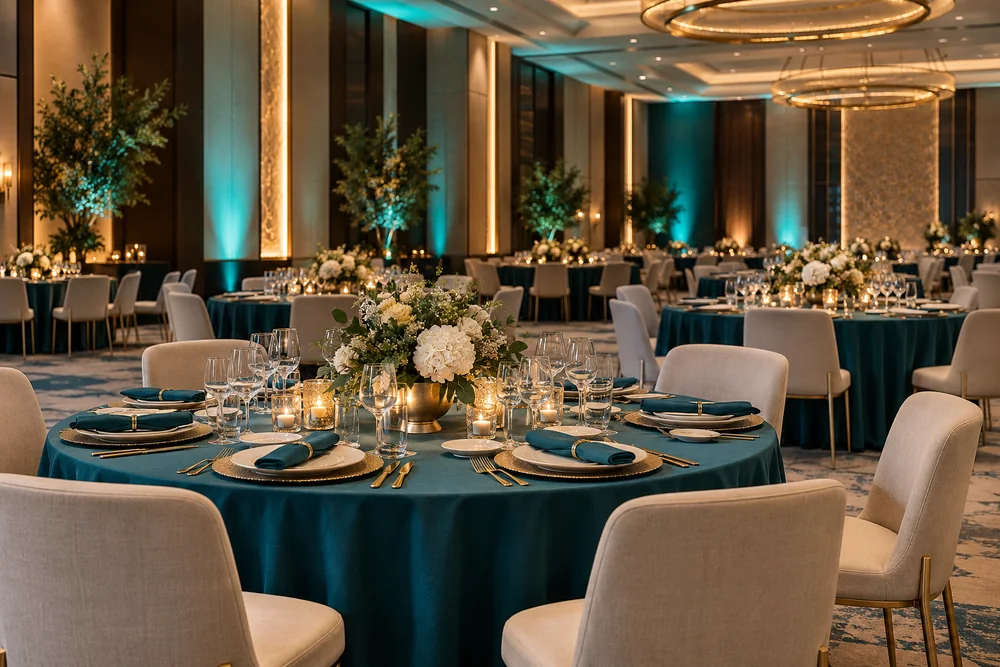
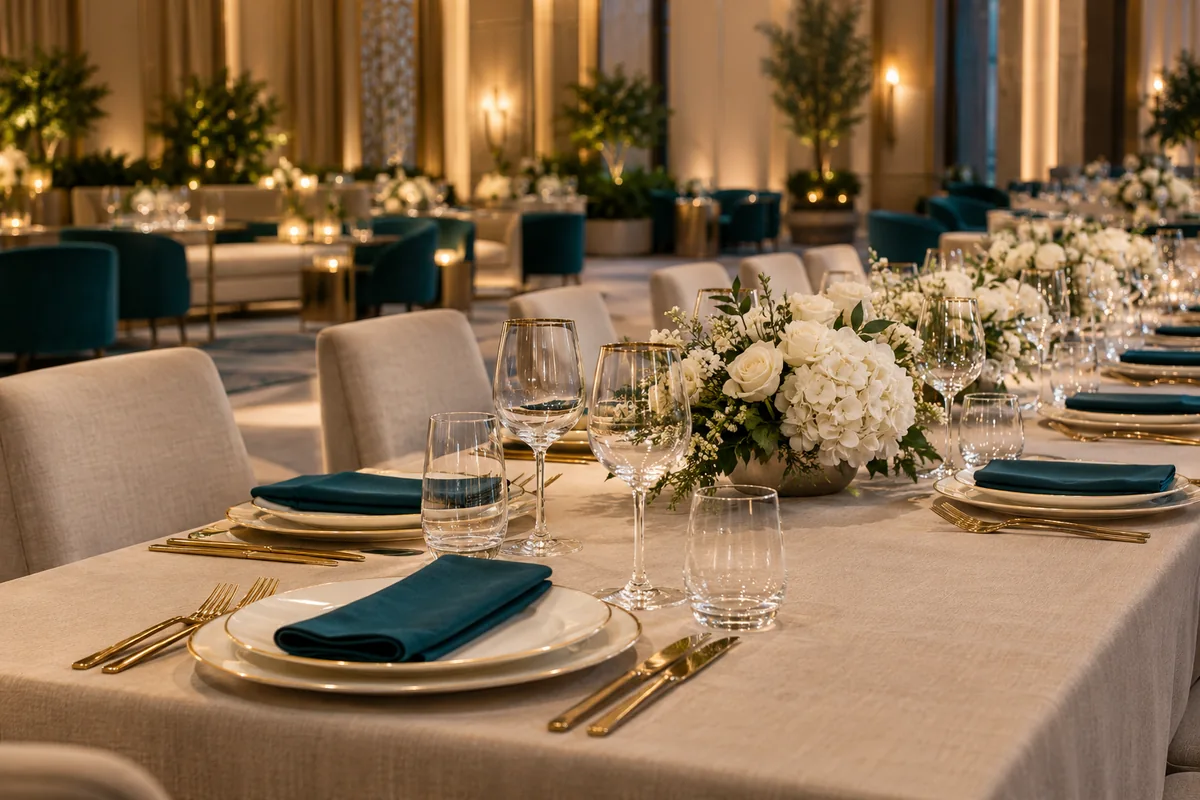
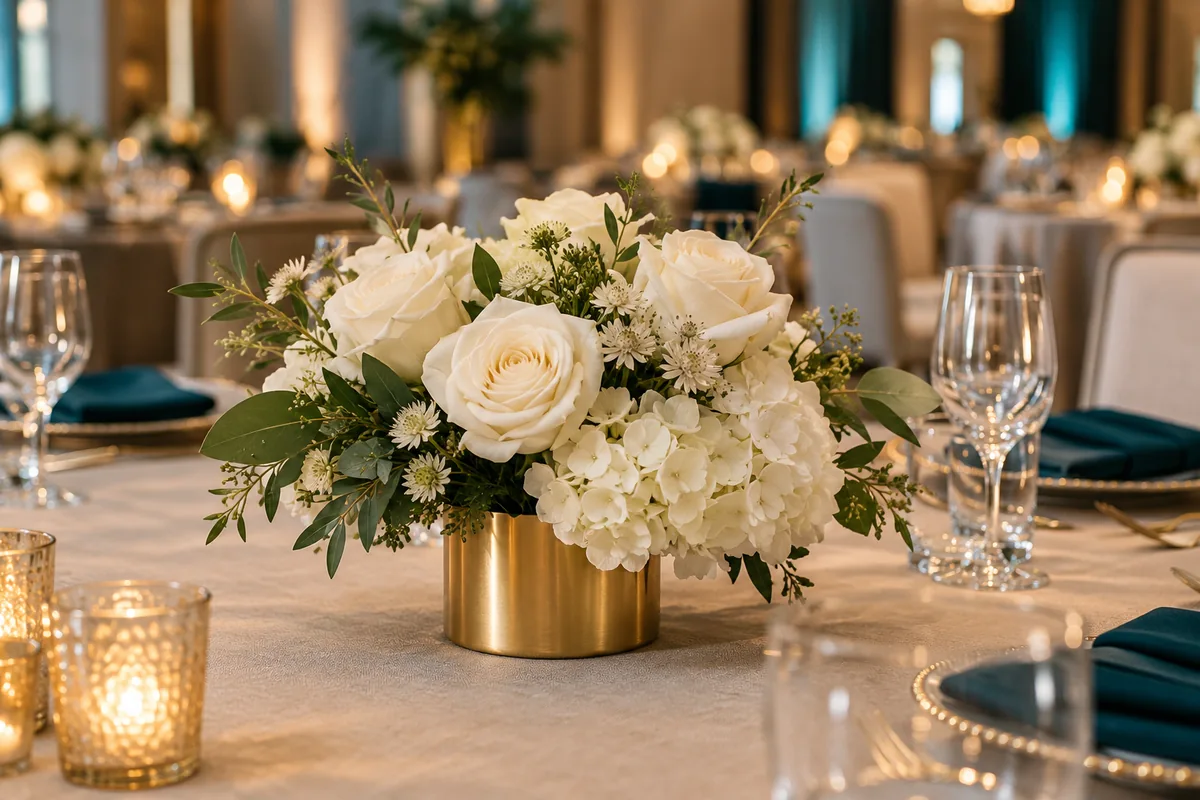
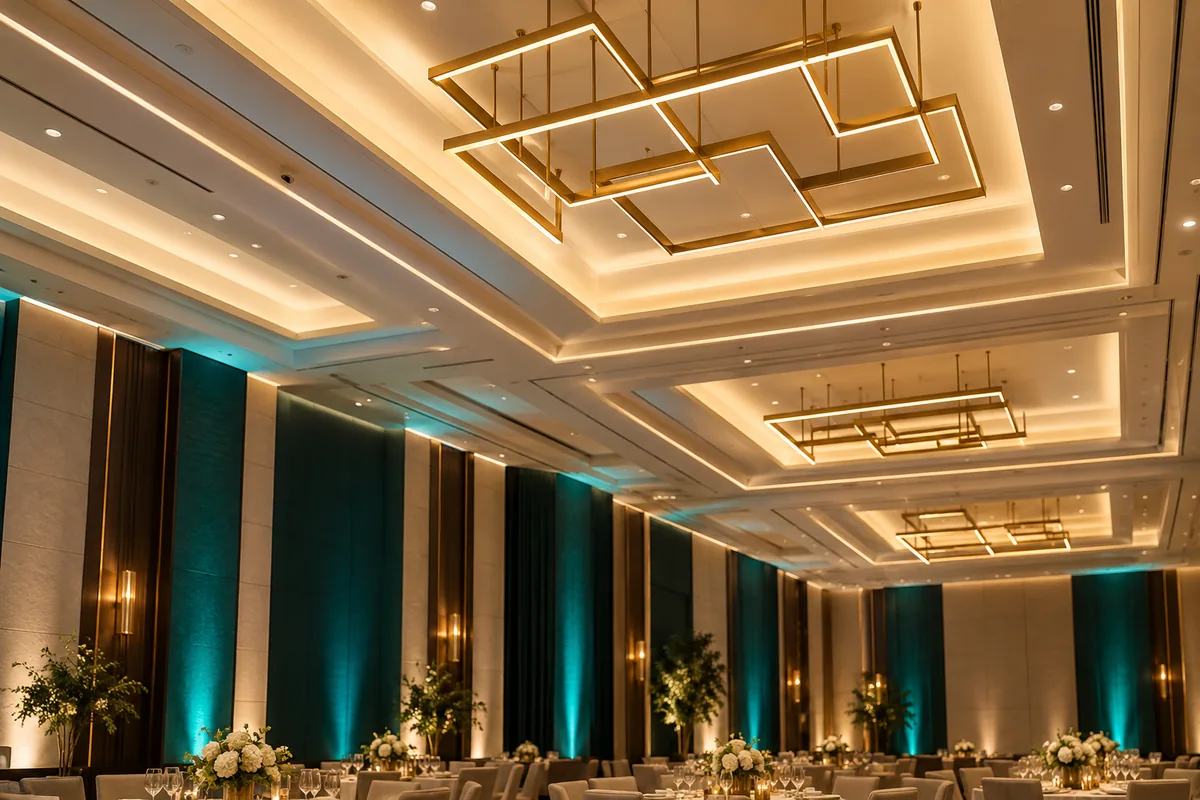
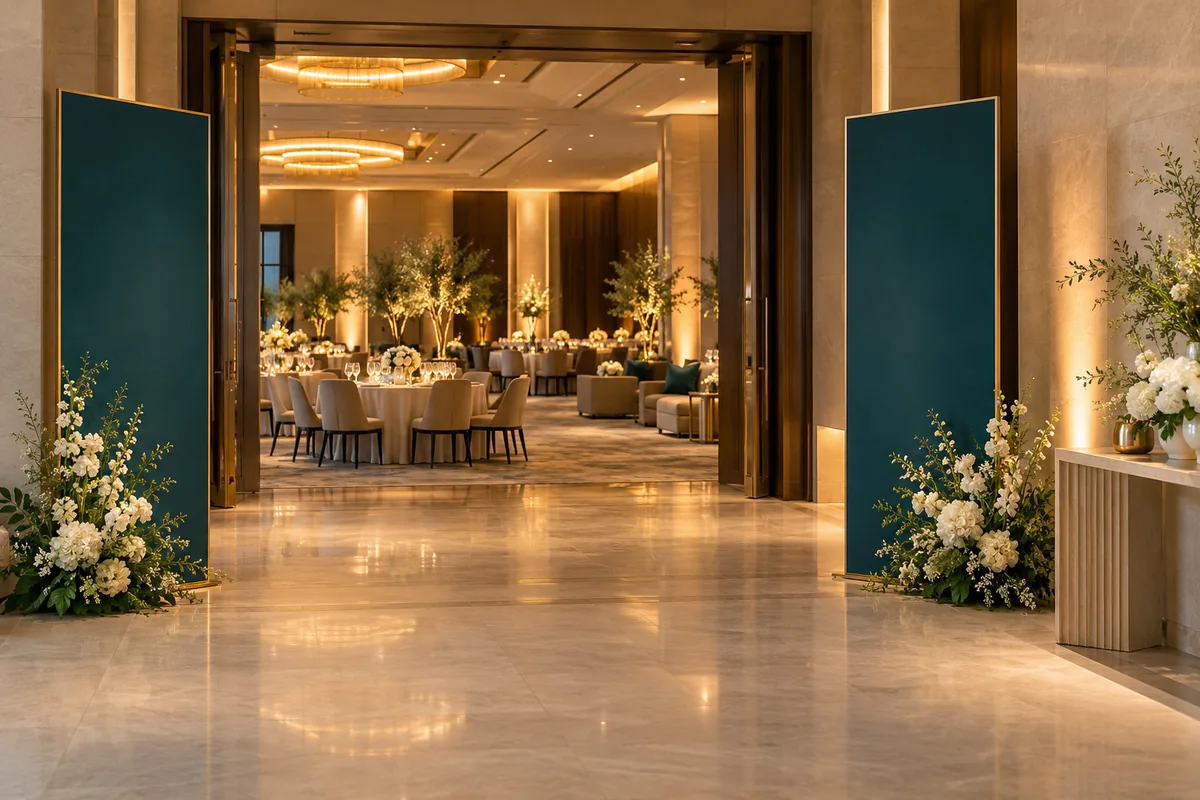
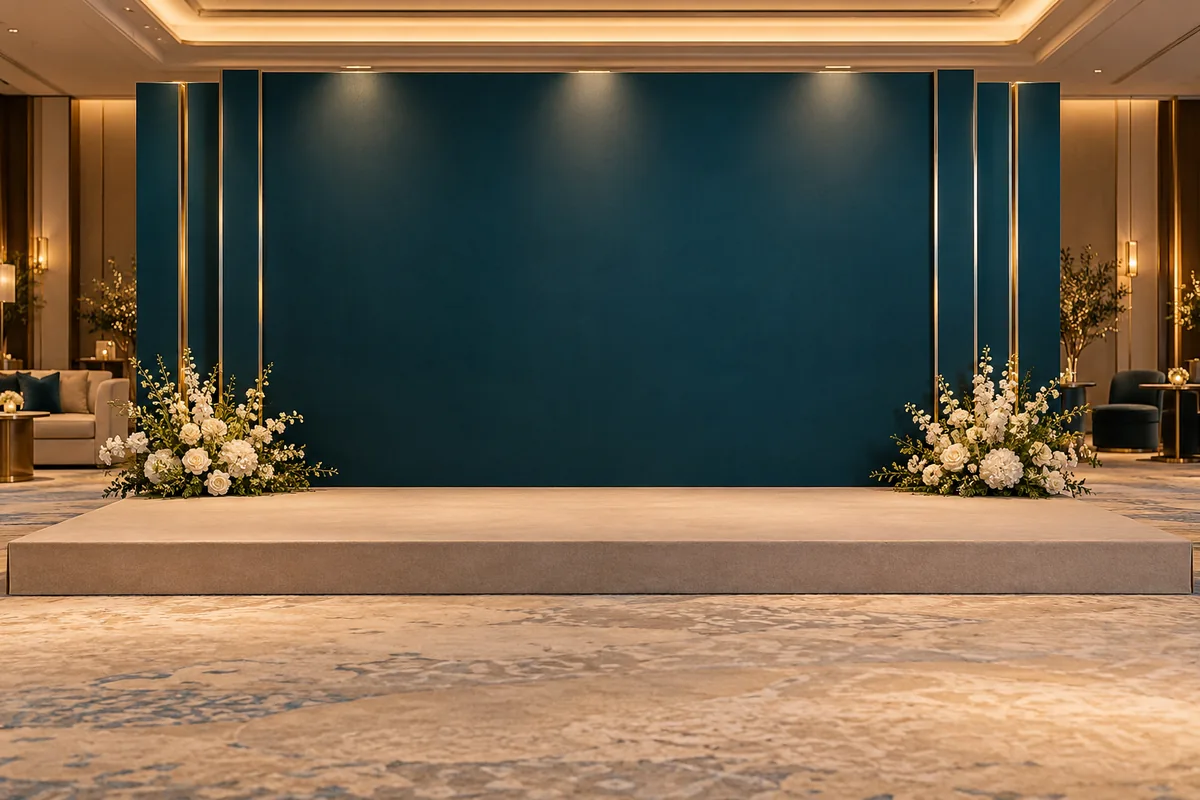
A branded networking event
Use one accent colour on welcome signage and presentation materials. Plan distinct conversation and seated areas and confirm equipment visibility with the event team.
A conference venue or hotel provides practical registration and presentation space. This starter palette can be replaced in the organiser’s notes.
A simpler setup
Use the venue furniture and consistent printed signs.
A coordinated setup
Hire accent linen, registration furniture and a branded portrait panel.
An expanded setup
Add a custom stage set, coordinated room branding and professionally managed AV.
Decor quantities to confirm
- Accent linen
- One selected accent per table; replace the starter palette with approved brand colours if needed.
- Badges
- One per confirmed attendee, plus a controlled set for late registrations.
- Wayfinding signs
- Count by registration, rooms and key junctions.
- Branded panel
- One approved photo or stage backdrop.
These are planning prompts. Confirm quantities, installation and current prices with your suppliers.
Turn the idea into a brief
- Approve brand assets
Use current authorised logos, colours and text before printing.
- Check registration flow
Plan queues, badge collection and an accessible check-in point.
- Proof all signs together
Confirm dates, room names, speaker names and readability in one review.
In Themes & Ideas, save the concept and record must-haves, items to avoid and venue rules. Review the proposed task and budget additions before applying them, and enter confirmed quotes separately.